
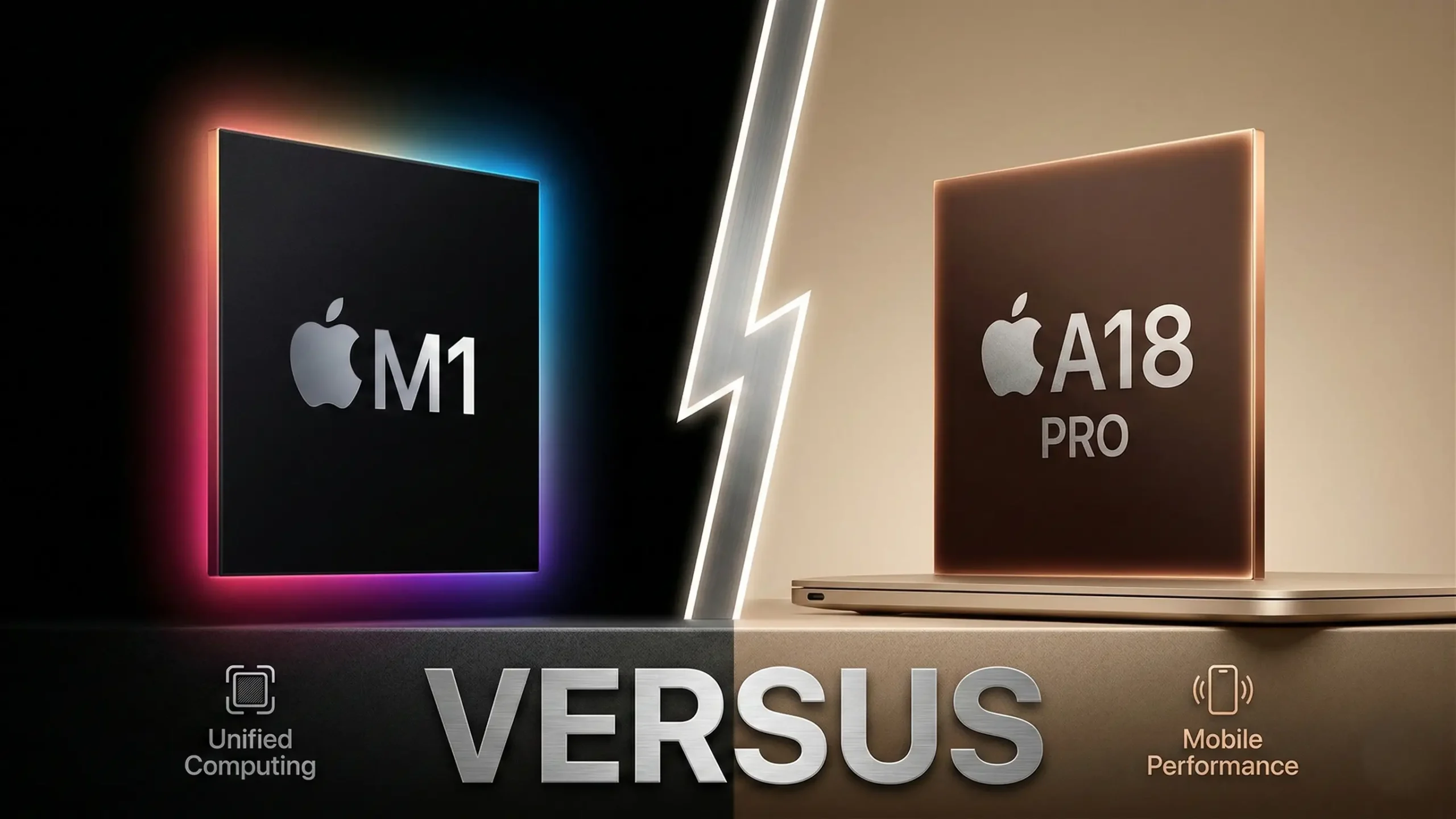
MacBook Neo vs. M1 Air. With the launch of the MacBook Neo, the budget market is split. Do you buy the “new” entry-level machine with a smartphone heart, or the “classic” powerhouse that started the Apple Silicon revolution?
The Core Specification Conflict
| Feature | MacBook Neo (New) | M1 MacBook Air (Refurbished) |
| Current Price | $599 (New) | ~$350 – $450 (Refurbished) |
| Chipset | A18 Pro (3nm) | M1 (5nm) |
| Single-Core | 3,450 (Winner) | 2,340 |
| Multi-Core | 8,900 | 8,570 |
| NPU (AI) | 38 TOPS (Future-Proof) | 11 TOPS |
| Wireless | Wi-Fi 6E / BT 6.0 | Wi-Fi 6 / BT 5.0 |
| Keyboard | Non-Backlit | Backlit (Winner) |
1. Performance: The “Zippiness” Equation
The MacBook Neo’s A18 Pro is built on a 3nm process, giving it a massive edge in Single-Core tasks.
- The Reality: For opening Safari tabs, launching Slack, or quick photo edits, the Neo feels significantly faster.
- The GPU Advantage: The A18 Pro supports Hardware-Accelerated Ray Tracing. If you play modern games via Apple Arcade, the Neo is the clear winner over the M1.
2. The “Fine Print” Trade-offs (What Apple Didn’t Say)
To hit the $599 price point, Apple made several cuts that we’ve identified in the technical documentation:
The “Single NAND” SSD Bottleneck
The base 256GB Neo uses a single NAND flash chip. While the M1 Air often used a dual-chip setup that allowed for parallel data transfer, the Neo’s storage can be slower when moving massive 4K video files.
Information Gain: For the average student, this doesn’t matter. For creators, it means the M1 Air might actually “export” files faster despite the older CPU.
The USB-C Port Disparity
The Neo has two ports on the left, but only the Rear Port is high-speed (USB 3.2, 10Gbps). The Front Port is limited to USB 2.0 (480Mbps). Plugging a fast external SSD into the front port will throttle your speeds by 95%.
Display & External Output
- Internal Panel: The Neo is limited to the sRGB color gamut. The M1 Air supports the more professional P3 Wide Color.
- External Monitor: Both machines only support one external display. However, the Neo lacks the bandwidth to drive $5K$ or $6K$ displays at $60Hz$; it is optimized for standard $4K$ monitors.
3. Hardware Comparison: Daily Use Experience
The M1 Air was originally a $999 premium device; the Neo is a $599 budget device. This leads to several “Quality of Life” differences:
- The Trackpad: The M1 Air has a Force Touch (haptic) trackpad. The Neo uses a physical diving-board mechanism. It feels like the old 2015-era MacBooks—a satisfying click, but less advanced.
- The Keyboard: The Neo does not have a backlit keyboard. If you frequently work at night or in dark classrooms, this is a massive downgrade compared to the M1 Air.
- The Webcam: The Neo wins here with a 1080p FaceTime HD camera and a “Notch-less” symmetrical bezel design, compared to the M1’s 720p sensor.
Final Verdict: Which should you choose?
Buy the MacBook Neo ($599) IF:
- You want 7+ years of macOS updates.
- You need Apple Intelligence (38 TOPS NPU) for writing and research tools.
- You want the fastest Wi-Fi 6E and Bluetooth 6.0 connectivity.
Buy a Refurbished M1 MacBook Air IF:
- You are on a strict budget (saving ~$200).
- You work in the dark and need a backlit keyboard.
- You do color-accurate design work (P3 Display).